RepLock article
Why movement challenges can work better than a simple block screen
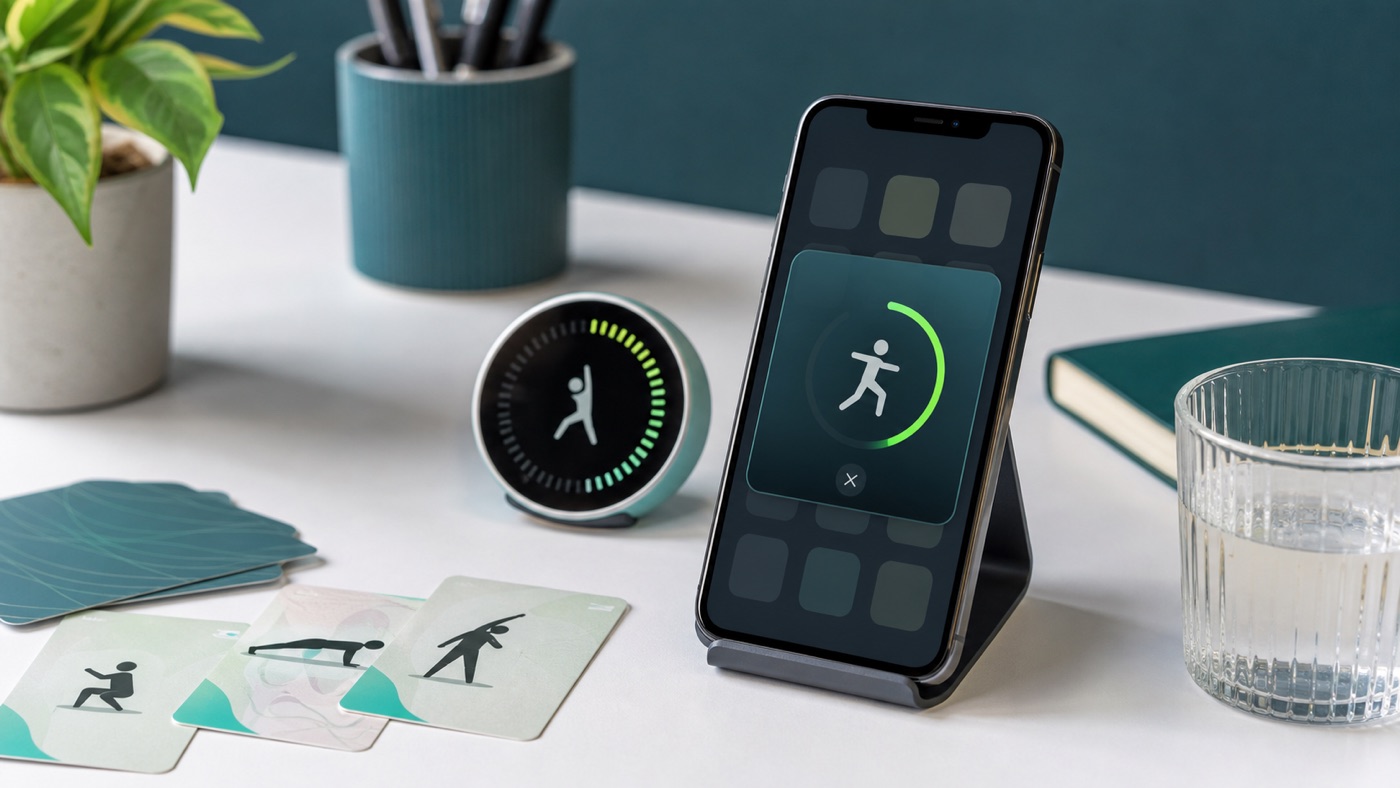
A block screen is easy to close mentally. A movement challenge asks the user to do something small before the distracting app opens, and that extra action creates a clearer moment of choice.
Product note
The challenge creates a real pause
The value is not in making exercise difficult. The value is in interrupting the automatic sequence: see app, tap app, lose time. Even a short action can be enough to make the user notice what they are about to do.
Product note
A warning explains; a mechanic changes behavior
Most users already know that endless scrolling is a problem. Another warning rarely changes that. A small movement gate changes the interaction itself, which makes the product easier to feel and easier to remember.
Next steps
What the article should lead to
- Show the challenge as a focus tool, not a punishment.
- Use screenshots to explain the before-and-after moment.
- Connect the mechanic to habit control, screen time, and intentional app use.
Practice
A practical example
Imagine a user opening a social app during a short break. A normal block screen says that the app is blocked, but the user can often dismiss that message emotionally. RepLock should make the moment more concrete: the app asks for a small movement task, shows why the pause exists, and then lets the user decide whether opening the app still makes sense. That sequence is short, but it changes the meaning of the tap.
Practice
How to judge whether the idea works
The important metric is not only how many challenges are completed. RepLock should also watch whether users return to the app, whether they keep protected apps configured, and whether the challenge feels fair after repeated use. If users disable the rule quickly, the challenge is probably too heavy or poorly explained. If they keep it enabled, the product has created useful friction.
Practice
What to improve next
The next product work should make the rule easier to understand before the first blocked app appears. The article should lead readers to the same conclusion: RepLock is useful when the user feels in control. Better onboarding, clearer challenge previews, and simple progress language would make the mechanic easier to trust.
Next
Related project
This article connects back to the app page with the product summary and store links.