LexiPop article
How visual cards help users remember new words
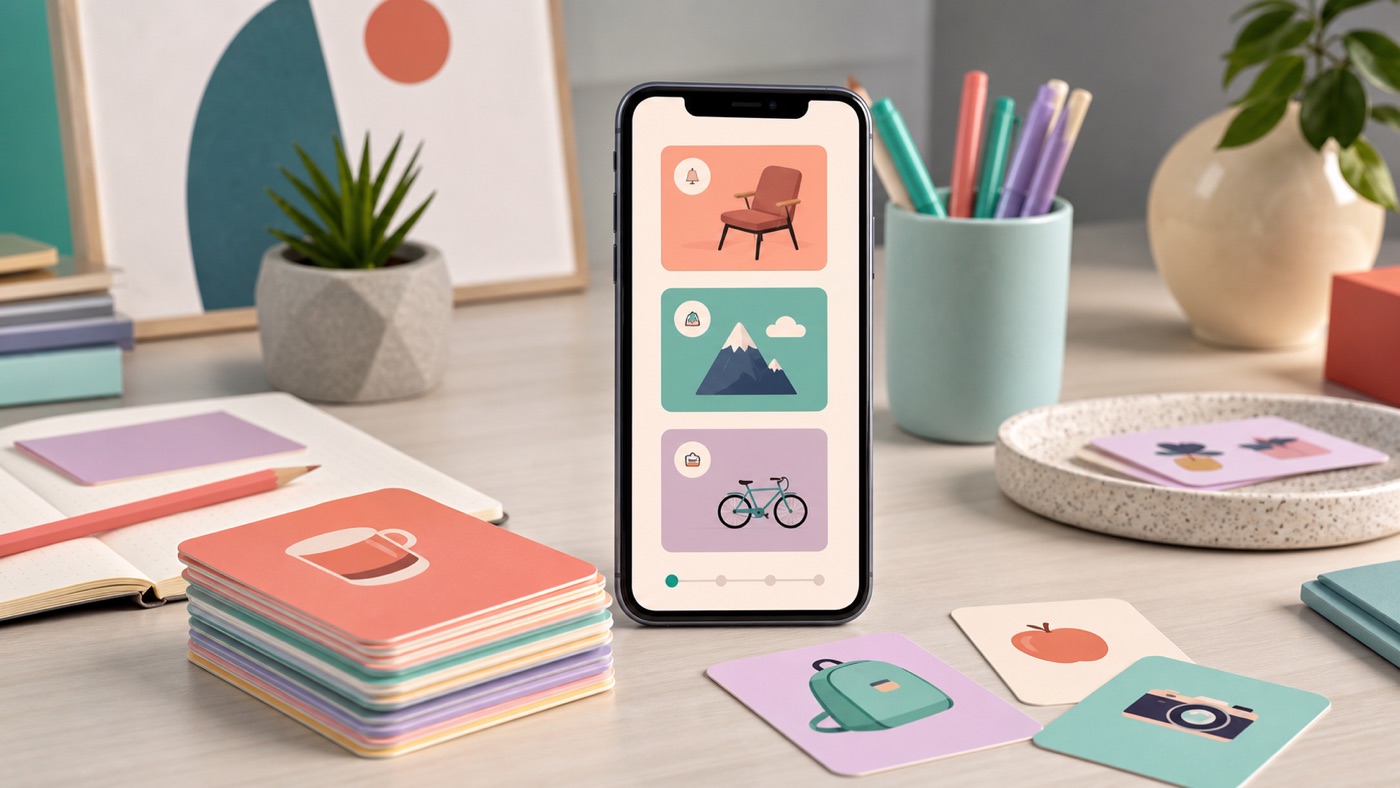
A word becomes easier to remember when it is tied to something visible. LexiPop can use cards to turn vocabulary into small scenes instead of abstract entries.
Product note
Visuals reduce the blank-list problem
A plain list of words is efficient but forgettable. A visual card gives each word a shape, color, and context, making it easier to scan and easier to recall later.
Product note
Cards also help store presentation
Store screenshots need to communicate value quickly. A strong card format can show the app's learning style in one image: word, meaning, pronunciation, and progress.
Next steps
What to emphasize
- Associations instead of memorizing isolated words.
- A card layout that stays readable in screenshots.
- Progress that makes the next lesson feel close.
Practice
A practical example
A beginner preparing for a trip does not want a random dictionary. They want a small set of words they can imagine using soon: ticket, gate, hotel, coffee, receipt. LexiPop can make that set feel like a route. The country, card image, pronunciation, and progress marker all point to the same message: this word belongs to a real situation.
Practice
How to judge whether the metaphor helps
The travel metaphor works only if it improves understanding and motivation. Useful signals are whether users complete the first country, return for the next set, and recognize why they are unlocking new places. If the country system becomes only decoration, it will not help retention. If it makes progress visible, it can support both learning and store presentation.
Practice
What to improve next
The next content and product work should connect each route to a real use case. A country should not be only a collectible item; it should explain what kind of words the learner is practicing. This makes screenshots clearer, articles more useful, and the App Store promise easier to understand.
Next
Related project
This article connects back to the app page with the product summary and store links.